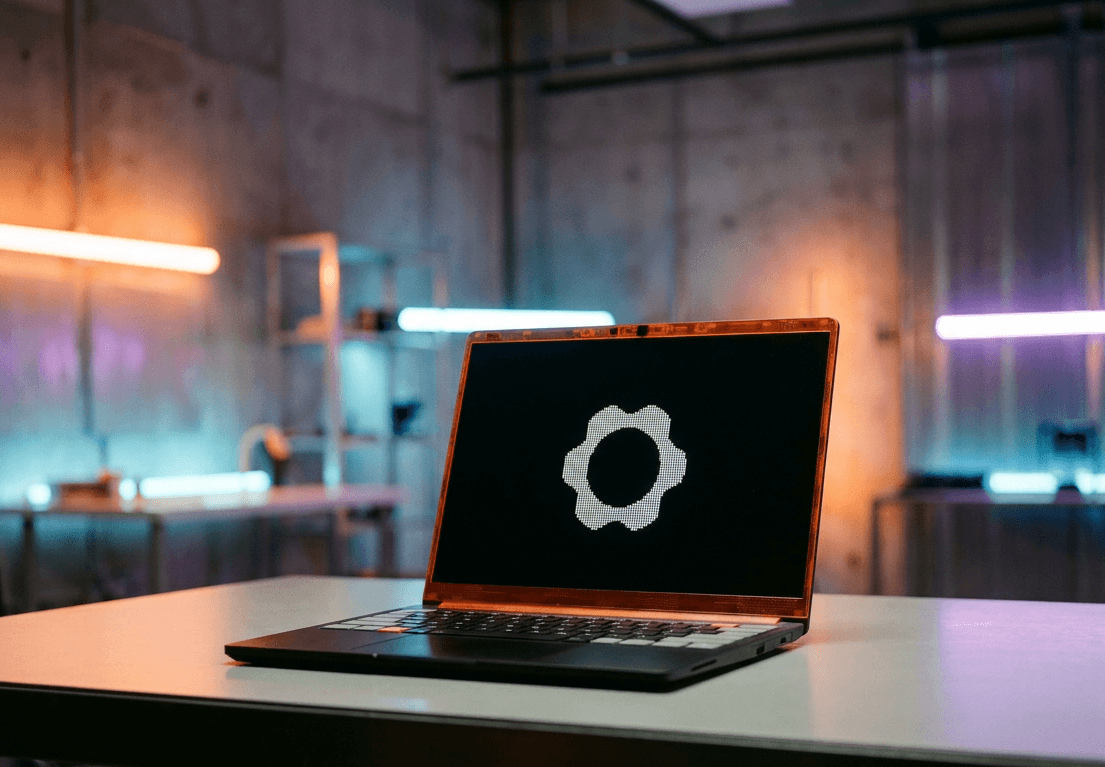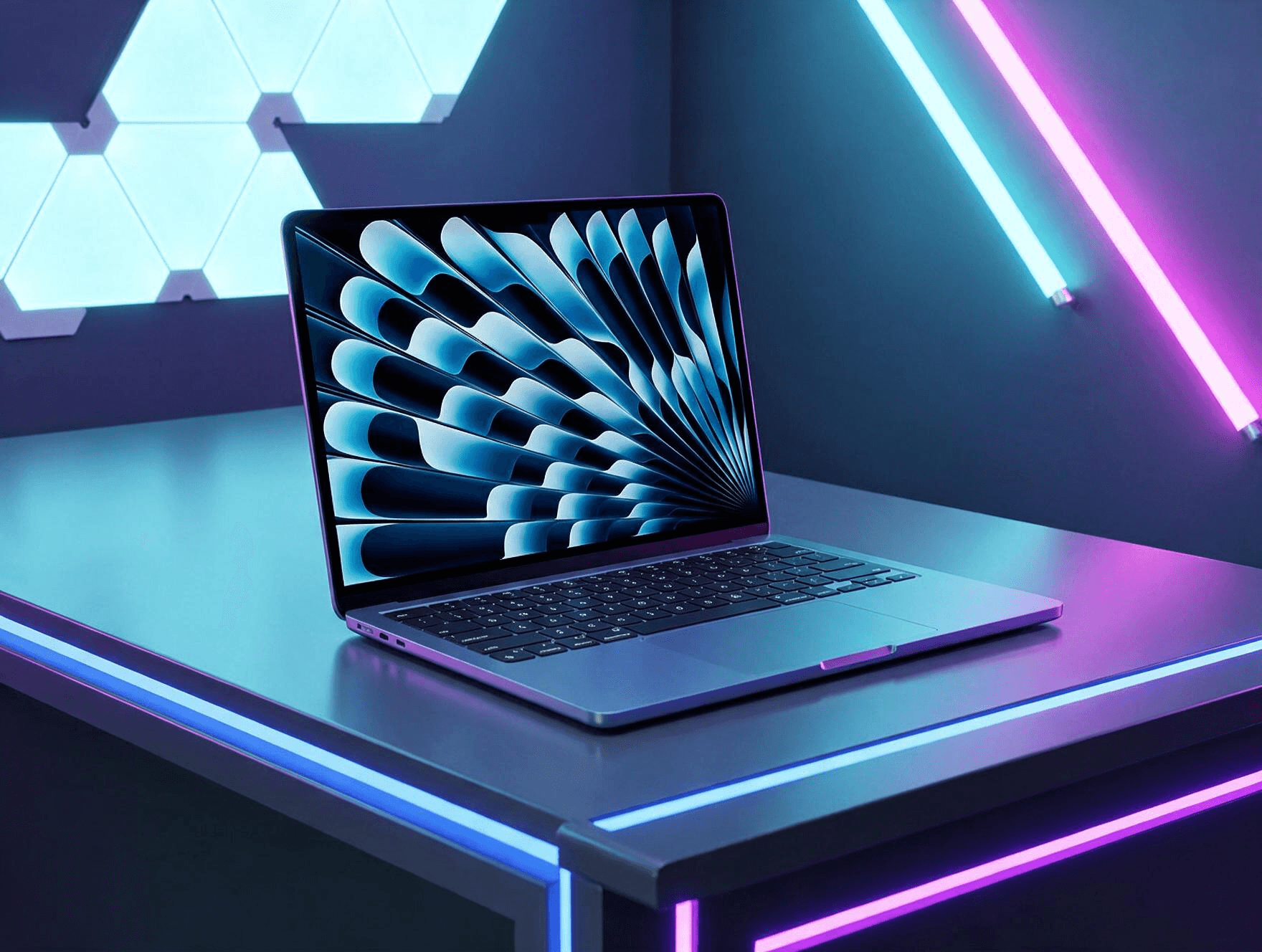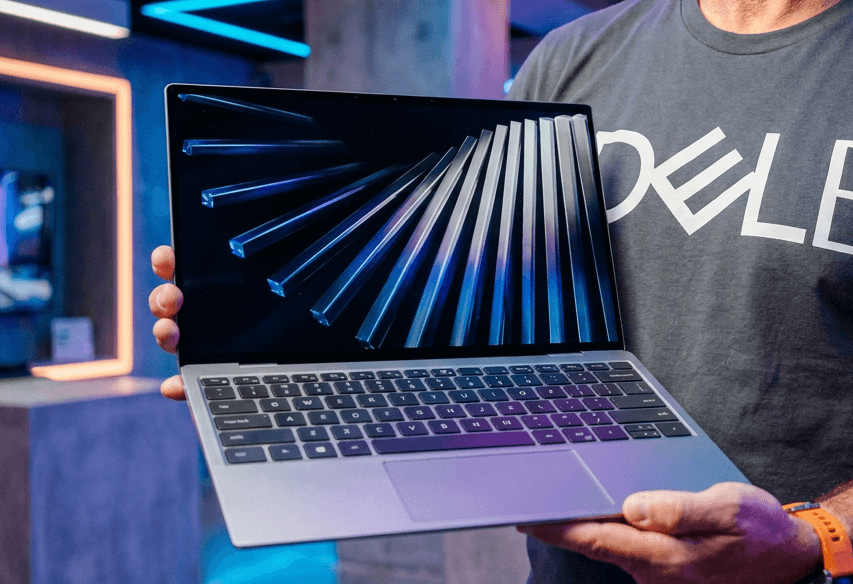
Дешеві ноутбуки зазвичай мають приховані вади. Ви отримуєте привабливу ціну, але щось не так: петля екрану здається хиткою, дисплей виглядає тьмяним, а клавіатура — порожньою. Dell XPS 13 (2026) уникає більшості цих проблем. Він коштує 699 доларів. І він зовсім не відчувається як пристрій за таку ціну.
Дизайн та матеріали: алюміній замість пластику
Візьміть його в руки. Це метал, а не пластик. Dell використала корпус з фрезерованого алюмінію CNC на Dell XPS 13, і це помітно одразу. Корпус залишається прохолодним. Він не скрипить. Він не прогинається, коли ви тиснете на кути. Така міцність конструкції рідко зустрічається у бюджетному сегменті, де виробники часто економлять на корпусі, використовуючи дешеві композитні матеріали, що швидко втрачають естетичний вигляд.
Вага пристрою становить близько одного кілограма. Екран має діагональ 13,4 дюйма. Він легко поміщається в сумку. Студенти, які переносять його по кампусу, майже не помітять додаткової ваги. Це критично важливо для мобільних користувачів, які цінують портативність. Клавіатура також виділяється серед конкурентів. Клавіші мають хороший хід. Друк відчувається пружним, майже пружинистим, що рідко вдається дешевим ноутбукам. Люди постійно порівнюють цей пристрій із MacBook Neo від Apple. Це справедливий порівняння. Dell явно створила XPS 13, щоб конкурувати з ним влоб, і якість збірки підтверджує цей амбітний намір.
Проте, ідеальним його не назвеш. Веб-камера слабка. Портів обмежено, враховуючи, наскільки тонкий корпус. Трекпад — ще одне місце, де Dell дійшла обережно, зупинившись на традиційній механічній панелі замість скляної поверхні, яка є на інших моделях XPS. Він працює непогано поруч із клавіатурою, але кліки можуть перестати реєструватися ближче до нижнього краю. Це дрібні недоліки, але поруч із тим, що Dell зробила правильно, вони стають помітними лише при уважному огляді.
Дисплей: якість, що дивує
Ця частина здивувала багато оглядачів. Сенсорний екран має роздільну здатність 2560 на 1440 пікселів. Частота оновлення досягає 120 Гц. Такі цифри зазвичай з’являються на ноутбуках, які коштують вдвічі дорожче. Прокручування відчувається плавним. Кольори виглядають насиченими, а не плоскими й сірими. Для користувачів, які цінують візуальну насолоду, це величезний крок вперед порівняно з типовими IPS-панелями бюджетного класу, які часто мають вузьку колірну гамму.
Реакція на дотик також працює добре. Перемикання жестів Windows 11 відчувається точно, без затримок, без пропущених дотиків. Багато бюджетних ноутбуків взагалі відмовляються від сенсорних екранів, або додають той, що ледь функціонує. Dell не економила на цьому куті XPS 13. Це означає, що ви отримуєте повноцінний інтерактивний досвід, а не просто додаткову функцію, яка часто ламається або працює з затримкою.
Яскравість у приміщенні тримається непогано. Вийдіть на пряме сонце, і екран трохи змивається, як і більшість ноутбуків у цьому ценовому діапазоні. Це очікувана компромісна риса для пристрою такої товщини та енергоефективності. Проте для щоденного використання в офісі чи вдома цього цілком достатньо.
Все ж, будь-хто, хто дивиться на екран весь день, пишучи, редагуючи або дивлячись на лекції, отримує реальну цінність від цього дисплея. Він надає Dell XPS 13 переваги над суперниками, які спочатку економлять саме тут. Висока частота оновлення робить інтерфейс більш відгукаючим, що знижує напругу очей під час тривалої роботи.
Продуктивність: стабільність замість потужності
Під капотом знаходиться процесор Intel Core 5 320 з нової лінійки Wildcat Lake. У парі з ним: 16 ГБ швидкої оперативної пам’яті DDR5. Це не чіп, створений для важкої роботи. Він добре впорається з вкладками браузера. Він впорається з таблицями. Він впорається з випадковим редагуванням фото теж. Для більшості користувачів, які використовують ноутбук для офісних завдань, навчання чи комунікації, цієї потужності більш ніж достатньо. Важливо розуміти, що ця модель орієнтована на продуктивність, а не на рендеринг 3D-графіки чи складний монтаж відео.
Тести показали дещо дивне. У 3DMark Wild Life Extreme Dell XPS 13 обігнав дорожчий чіп Core 7 350 від конкурента з бюджетного ноутбука. Потім у Cinebench він відстав на близько 13 відсотків у задачах рендерингу. Змішані результати. Проте, ніде не так слабко, як ви б очікували за 699 доларів. Це свідчить про те, що Dell змогла ефективно оптимізувати систему охолодження та керування енергією, дозволяючи процесору працювати стабільно навіть під навантаженням.
Порівняйте його з Apple A18 Pro в MacBook Neo, і Apple перемагає за сирою потужністю. Ця різниця рідко проявляється в повсякденному житті, проте. Додатки відкриваються швидко. Вкладки завантажуються швидко. Тестування не виявило зависань, навіть з дюжиною відкритих вкладок одночасно. Це підтверджує, що для типових сценаріїв використання різниця в синтетичних тестах не має вирішального значення для комфорту користувача.
Студенти та віддалені працівники отримують те, що їм потрібно тут. Нічого зайвого. Просто стабільна, надійна продуктивність. Це ключовий момент: ноутбук не повинен гальмувати під час звичайних задач, і XPS 13 успішно виконує цю вимогу.
Поради щодо вибору конфігурації
Перш ніж купити, варто врахувати кілька важливих аспектів, щоб отримати максимальну цінність від вашої інвестиції. Dell пропонує різні варіанти, і правильний вибір може значно вплинути на довговічність пристрою.
- Обирайте модель із 16 ГБ оперативної пам’яті, якщо плануєте використовувати ноутбук більше трьох років, оскільки сучасні веб-додатки стають все більш вимогливими до ресурсів.
- Уникайте базової конфігурації з 8 ГБ RAM, якщо ви часто працюєте з великими таблицями або маєте відкритим багато вкладок браузерів одночасно.
- Розгляньте оновлення до 1 ТБ SSD, якщо ви збираєтеся зберігати великі обсяги медіафайлів локально, оскільки хмарні сховища можуть бути повільними при нестабільному інтернеті.
- Перевірте наявність потрібних портів у вашому офісі, оскільки обмежена кількість роз’ємів може вимагати додаткових витрат на хаби або адаптери.
Акумулятор та щоденне використання
Тривалість роботи від акумулятора зазвичай була першою речю, яку скорочували на бюджетному ноутбуці. Не цього разу. Протягом повного дня письма, перегляду сторінок та відеодзвінків Dell XPS 13 продовжував працювати значно довше, ніж більшість ноутбуків у цьому діапазоні потребують зарядки. Це дозволяє користувачам забувати про пошук розетки під час подорожей або навчання, що є великою перевагою для мобільного стилю життя.
Деяку частку заслуги тут має Wildcat Lake. Intel створила сімейство чіпів, орієнтоване на енергоефективність, і це видно. Старіші чіпи Intel спалювали акумулятор набагато швидше за аналогічних умов. Dell XPS 13 явно отримує вигоду від цього зсуву. Це означає, що ви отримуєте не лише продуктивність, але й ефективність, що є критично важливим для сучасних мобільних пристроїв.
Опції конфігурації додають гнучкості. Базові моделі постачаються з 8 ГБ оперативної пам’яті та 512 ГБ сховища. Покупці можуть збільшити це до 32 ГБ та 1 ТБ, за більше грошей. Цей діапазон означає, що Dell XPS 13 може працювати як простий браузерний пристрій, або масштабуватися до чогось ближчого до справжньої робочої станції. Це дозволяє адаптувати ноутбук під конкретні потреби користувача, не переплачуючи за непотрібні функції.
Трекпад і клавіатура тримаються непогано протягом щоденного використання теж. Мало що тут відчувається поспішно або незавершено, що рідко можна сказати про ноутбук, такий дешевий. Якість збірки передається в кожну деталь, від відчуття клавіш до плавності роботи сенсорного екрану, що створює цілісне враження від пристрою.
Часто задавані питання
Чи підходить Dell XPS 13 (2026) для ігор?
Ні, цей ноутбук не призначений для ігор. Він не замінить ігровий ПК. Він має інтегровану графіку, яка справляється з легкими задачами, але не підходить для сучасних вимогливих ігор. Якщо ви шукаєте пристрій для розваг, краще розглянути інші варіанти.
Як Dell XPS 13 порівнюється з MacBook Neo?
Apple перемагає за сирою потужністю завдяки чіпу A18 Pro. Однак у повсякденних задачах різниця мінімальна. Dell пропонує кращу співвідношення ціни та якості для користувачів Windows, забезпечуючи стабільну продуктивність і високу якість збірки.
Чи варто оновлювати пам’ять до 32 ГБ?
Для більшості користувачів 16 ГБ достатньо. Оновлення до 32 ГБ має сенс лише для професіоналів, які працюють з великими наборами даних, відеомонтажем або віртуальними машинами. Для звичайної роботи це зайві витрати.
Висновок
Тож чи вдається Dell XPS 13 бути дешевим, не відчуваючись дешевим? Так, переважно. Алюмінієва збірка допомагає. Гострий екран 120 Гц допомагає. Стабільна щоденна продуктивність теж допомагає. Разом вони складаються в ноутбук, який б’є значно вище своєї ціни. Він не замінить ігровий ПК. Він не замінить творчу робочу станцію. Веб-камера все ще потребує роботи. Але як щоденний продукттивний пристрій, який тримається на рівні з MacBook Neo від Apple, Dell XPS 13 заробляє своє місце в будь-якому бюджетному списку. Не погано за 699 доларів. Якщо ви шукаєте надійний інструмент для роботи, ця модель варта уваги.